Quick Start
The quickest way to install cait is via the Python package index:
$ pip install cait
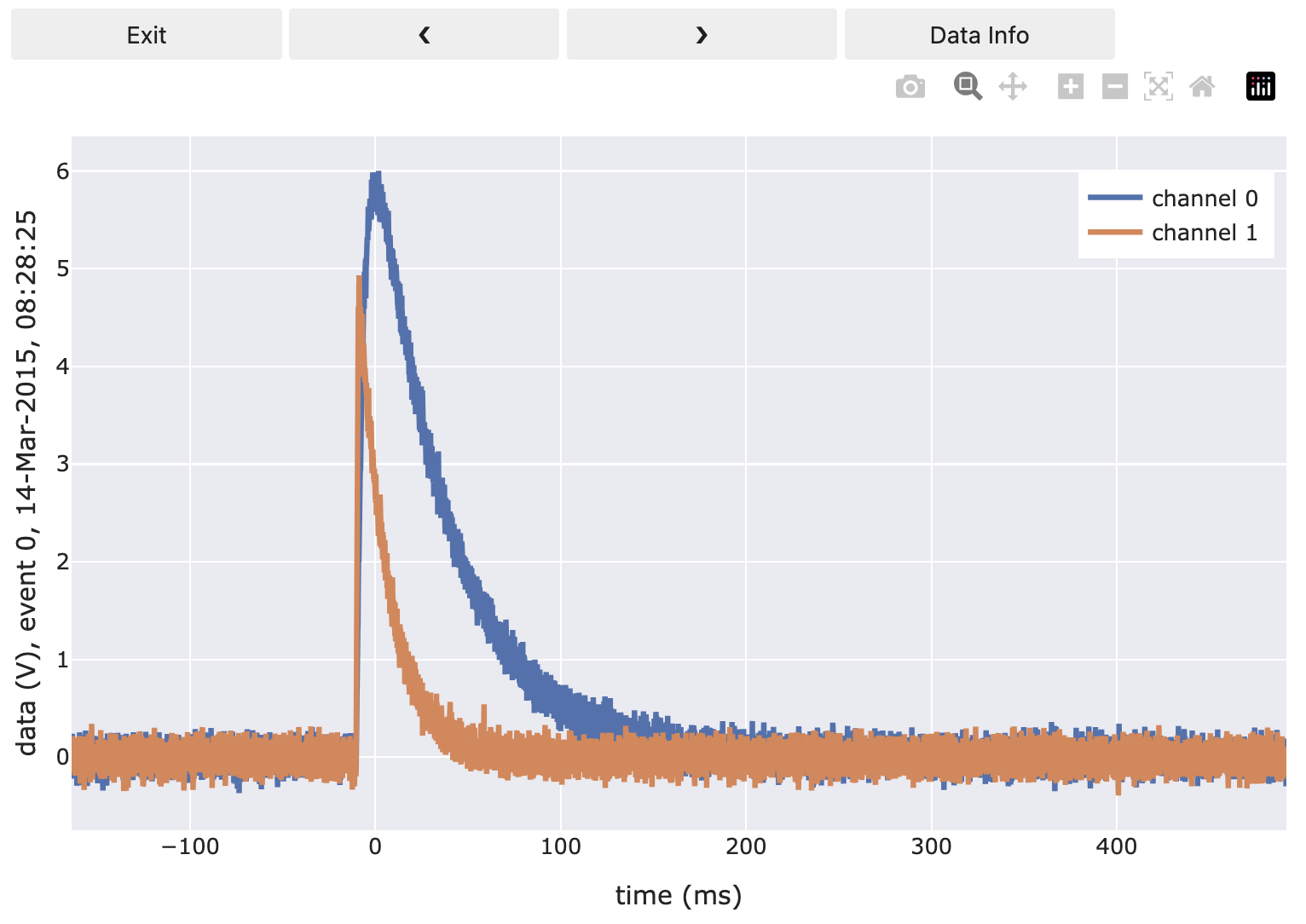
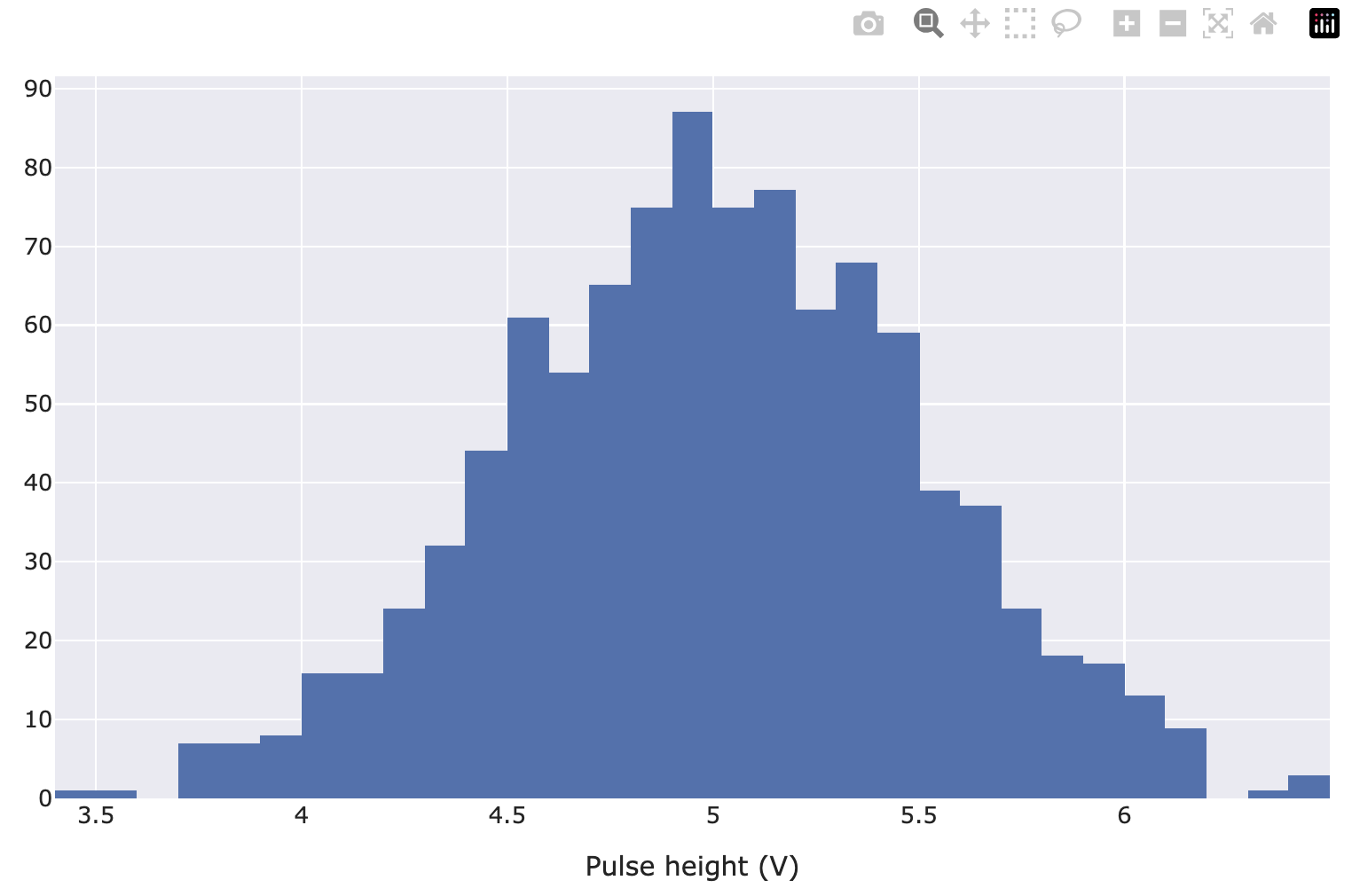
To get something working quickly, you can use simulated mock data, copy it to the work horse of cait – the DataHandler, which stores your analysis results – calculate pulse shape parameters, and have a look at the pulses and a first pulse height spectrum.
import cait as ai
import cait.versatile as vai

# Set up a DataHandler instance
dh = ai.DataHandler(nmbr_channels=2)
dh.set_filepath(path_h5="", fname="my_first_dh", appendix=False)
dh.init_empty()

# Fill it with Mock data and calculate pulse shape parameters
dh.include_event_iterator("events", vai.MockData(dt_us=dh.dt_us, n_events=1000).get_event_iterator())
dh.cmp("events")

# Have a look at the events
vai.Preview(dh.get_event_iterator("events").with_processing(vai.RemoveBaseline()))
# Have a look at pulse heights
vai.Histogram(dh["events/pulse_height", 0], xlabel="Pulse height (V)")
Once you accomplished this first step into the world of raw data analysis, start going through the tutorial notebooks, that demonstrate most of the functionality of cait. For details, have a look at the API reference.